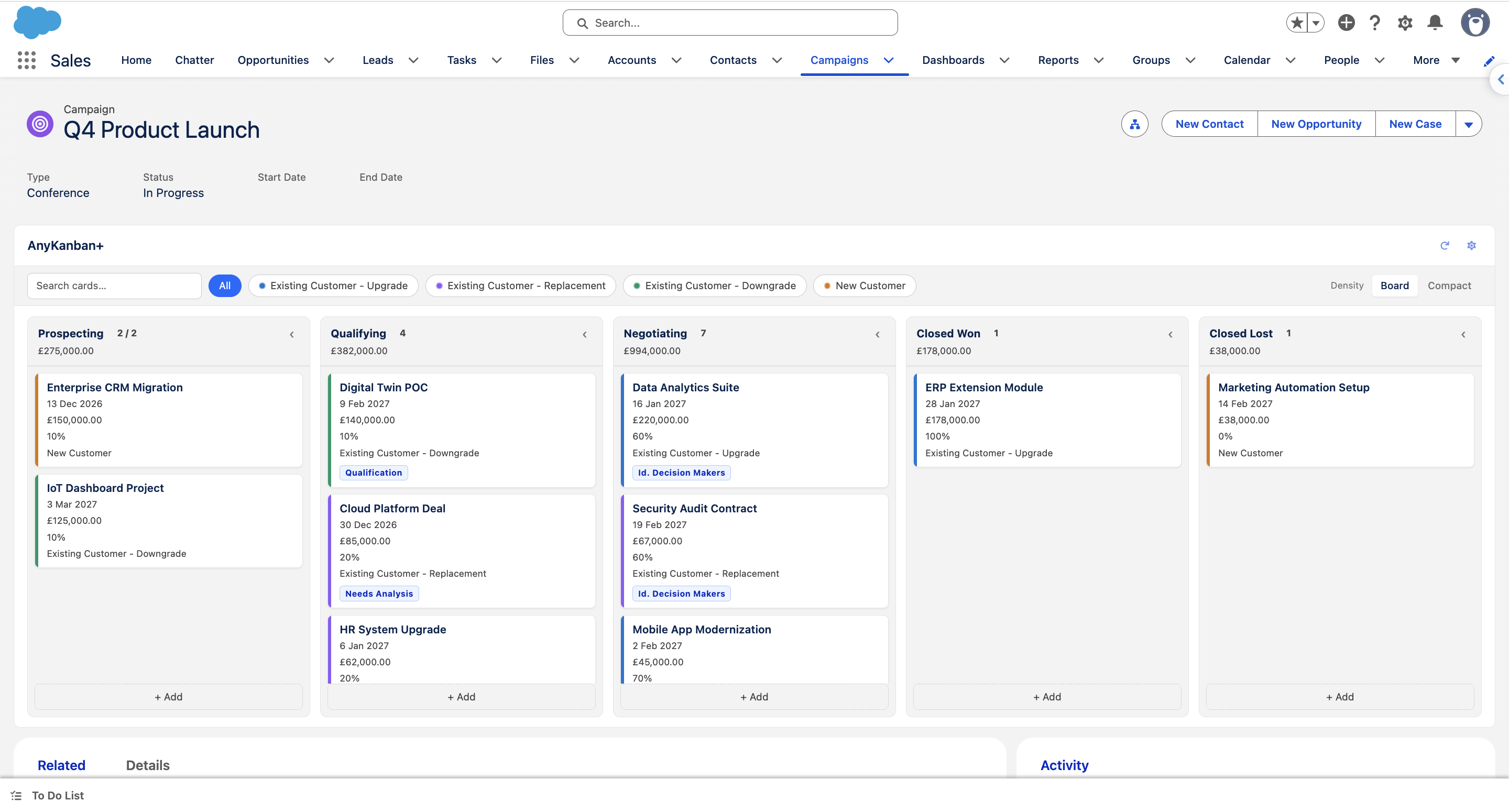
AnyKanban+ turns related records into a drag-and-drop Kanban board on any Salesforce record page. Pick a child object, choose a picklist field for columns, and your records appear as draggable cards. No code needed.

A native Lightning Web Component with no iframes, no external services and no data leaving your org.
Drag records between columns to update the picklist value instantly. No page refresh, no extra clicks.
Standard or custom objects. Map any lookup and any picklist field from a point-and-click configuration modal.
Configure child objects, column fields, card display fields and colours from a guided modal. Stored as custom metadata.
Respects object and field-level security. Only users with the AnyKanban+ Admin permission set can configure boards.
Click a card to view, open or edit the record without leaving the page. Create new records directly into any column.
Toggle between a compact card view and a swimlane layout grouped by a second field. Fits any workflow.
Board views, quick filters and the configuration modal on a real Opportunity record. Click any screen to enlarge it.
Three steps from install to a working Kanban board on any record page. The setup guide walks through each one in detail.
Install AnyKanban+ from the AppExchange and assign the AnyKanban+ Admin permission set to your board administrators.
Open any record page in Lightning App Builder and drag AnyKanban+ onto the layout.
Click Configure Board, pick a child object, choose a picklist field for columns, and map display fields. Save, and the board is live for everyone on that page.

Free covers one board configuration per org. Pro unlocks unlimited configurations for teams that need Kanban boards across many objects. Need help designing your boards? Consulting is available separately, just ask.
$0 / org / forever
$490 / org / year

Need more board configurations, have a question, or want to request a feature? Send a message and we'll reply within one business day.
Thanks for reaching out. We'll get back to you within one business day.
 AnyKanban